Quick answer
For a business finance call with poor phone reception, choose a call-back window when you'll be somewhere with signal or Wi-Fi, switch on Wi-Fi calling in your phone's settings (Telstra, Optus and Vodafone all offer it on compatible phones), and test it from that spot beforehand. Check your phone supports VoLTE, since 3G has closed. Note a text-back option on your request, and keep your documents open on the same device.
Key points
- Pick the window around where you'll physically be, not around your diary. The best window is the one where you're parked near the shed, the site office or the house.
- Wi-Fi calling can carry a call over your broadband, but it only helps where there's Wi-Fi. No signal and no Wi-Fi means no call.
- 3G is gone. A handset that can't do VoLTE can't make or take calls on the big three networks.
- Test the spot before the day: make a call from exactly where you plan to take it, with the screen showing Wi-Fi calling.
- If you miss it, reconnect through the website. You don't lose your place.
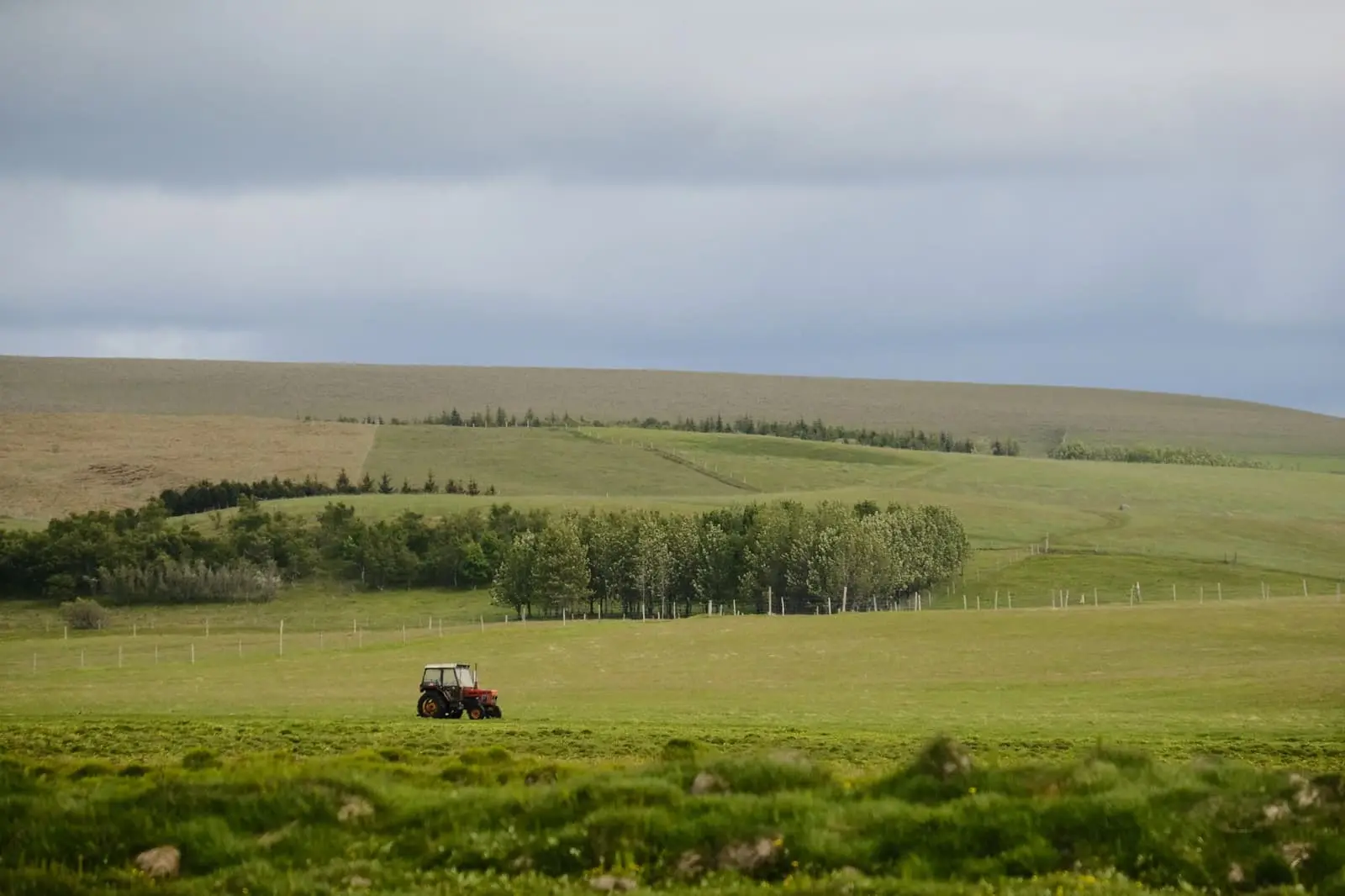
You’ve asked for a call-back, you’ve picked a window, and then you spend that window in a paddock, a cab, a basement plant room or a site where one bar of signal flickers in and out. The phone rings once, the line drops, and you’re left with a missed call and a bad feeling.
If your work takes you out of range, a finance call needs a little planning that office-based owners never think about. This guide covers setting the window, using Wi-Fi calling, checking your handset and what to do if the call still drops.
How do I make sure I catch a business finance call with poor reception?
Three moves cover most of it, and all of them are free:
- Choose the window around your location, not your diary. Where will you physically be between, say, 7 and 8 in the morning? That’s the window to pick, even if it’s earlier than you’d like.
- Turn on Wi-Fi calling in your phone settings, so a call can ride your broadband when the mobile signal is weak.
- Test the exact spot before the day, with a call to a friend or family member, and see whether it holds for five minutes.
Do those and you’ve dealt with most of the risk. The rest of this guide is the detail.
Which call-back window suits patchy reception?
Our how a call-back works page explains that you tell us a window and a specialist rings you in it. For most owners that’s about convenience. For you it’s about signal, so think it through properly.
Ask yourself:
- Where will I be in that window? Farm office, shed, house, the site office, a café in town, the depot yard?
- How strong is the signal there, honestly? Not “usually fine”. Look at the phone when you’re actually standing in the spot.
- Is there Wi-Fi there? A house or office router, a satellite or fixed-wireless service on a property, or a site office connection all count.
- Could I be pulled away? A call in the middle of seeding, a pour or a delivery is a call you’ll want to cut short.
Time zones matter too if you’re far from the capital. Our call-back times by state page covers the daylight saving and time zone traps, such as the fact that some states change clocks and others don’t. If you’re in regional or remote Australia, state the time zone you mean in the request.
A rough guide for different kinds of owners:
| Where you work | A window that often works |
|---|---|
| Farm or station | Early morning or late afternoon, at the house or main shed with Wi-Fi |
| Building or civil site | Smoko or first thing, from the site office or your parked vehicle at a known good spot |
| Mobile trade or delivery run | A planned stop in town, not a gap between jobs |
| Remote or FIFO-style work | Your rostered time at a base with reliable connection |
None of these is a rule. They’re starting points for choosing a window that you can actually take.
Does Wi-Fi calling work if there’s no mobile signal?
Wi-Fi calling lets a compatible phone place and receive calls over a Wi-Fi connection instead of the mobile network. Telstra says it’s on by default on compatible devices, there’s no additional charge to use it on a Telstra mobile, and a call uses roughly 100 to 120 Kbps of your Wi-Fi bandwidth. Optus and Vodafone also offer it on compatible phones and plans.
Three things to keep straight:
- It needs Wi-Fi. It helps a farmhouse with a decent internet connection and a weak mobile signal. It does nothing in a paddock with neither.
- Settings matter. Telstra warns that if you turn it off you may not be able to make calls or send texts when there’s no Telstra mobile coverage. Check it’s on, and check your phone is running the latest software. Vodafone’s support page currently carries a notice with a December 2026 date about keeping the feature working, so if you’re on Vodafone, read it now rather than the night before your call.
- Not every phone or plan qualifies. Look at your carrier’s page for a current list of supported phones and plans, rather than guessing.
On a slow or shared connection, Wi-Fi calls can break up too. If your internet is a satellite link that already struggles with video, test a long call before you rely on it. Our call-ready check is a quick way to run through the rest of your preparation.
Can my phone still make calls since 3G closed?
This one catches out owners with an older handset. All three major mobile networks have now closed their 3G networks, according to the Australian Mobile Telecommunications Association (AMTA). Telstra has said that after closure, VoLTE is needed to make or receive voice calls on its network. A 4G phone that can’t do VoLTE can still use data, but it can’t make or receive calls, including Triple Zero.
If your phone is old, or a second-hand handset you bought for the farm or the work ute, check it’s VoLTE capable on your carrier. Swapping the SIM doesn’t fix an incompatible phone. If calls have been unreliable in a way that isn’t just signal, it’s worth ruling this out before the day.
How do I test my call spot before the day?
Do this the day before, at the same time of day if you can:
- Stand or park exactly where you plan to take the call.
- Check the status bar. Does it show a Wi-Fi calling indicator, or enough bars for a voice call?
- Ring someone and talk for five minutes while moving the way you normally would.
- Open a bank statement or a PDF on the phone or laptop from the same spot, to see if your internet copes with it.
- Note the result. If it drops, move and test again until you find a spot that holds.
If the best spot is a hill, a particular corner of the house or a specific parking space, that’s fine. Put it on a sticky note on the dash.
If you’re also dealing with a deadline, our pre-call routine has a 15-minute checklist for the rest of the preparation. When your spot is sorted, request your call-back and choose the window that suits.
What should I do if the call drops or I miss it?
Calls drop. The aim isn’t to avoid it entirely but to make sure it doesn’t cost you anything.
- If the call drops mid-conversation: wait a minute or two for the specialist to try again, then move to your known good spot. Don’t dial back a number you don’t recognise. If the specialist leaves a voicemail or text, check it relates to your request.
- If you miss it altogether: nothing is lost. There’s no queue and no place to lose. Our missed call-back page walks through reconnecting without starting again.
- If it keeps happening: tell us in the request. Something like “signal is poor on the property, the house has Wi-Fi, best window is 6 to 7 pm” is useful information, and it lets the specialist plan around it.
It’s worth being cautious about unknown numbers, too. Scammers target people who are looking for finance, and a missed call is the perfect opening for one. Scamwatch has guidance for small businesses on impersonation, and a genuine call-back will always connect back to the request you made.
What can a call settle if the line isn’t perfect?
A call is for the conversation: what you need, why, how fast and what you can offer. It can’t settle numbers that live in documents. If the line is shaky, that’s fine, because the specialist will ask you to send things afterwards in any case.
What helps most is having the basics open on a device you can read at the time:
- recent business bank statements
- turnover figures for the last few months
- the amount, the purpose and any deadline in one sentence
- any quote, contract or letter driving the need
If the call is about a cash squeeze, our cash flow gap call prep lists what to pull out first.
A worked example (illustration only)
A mixed farming business in regional New South Wales needs funding for machinery repairs before harvest. The owner is on the header from dawn, the mobile signal fades beyond the house paddock, and the farmhouse has a fixed-wireless internet connection.
Their plan: choose a window of 6 to 7 pm, when they’re back at the house. They check Wi-Fi calling is on, ring a relative from the kitchen table to test it, open six months of statements on a laptop and write the amount and deadline on a notepad. In the request they note that mobile signal is poor outside the house and that a text is fine if the call is missed. When the call comes, it holds, and the first ten minutes go on the substance, not on “can you hear me?”
Ready to set a window that works where you work?
Plenty of good business owners spend their days where phone towers don’t reach. A call-back suits them well, because you choose the moment instead of fielding calls whenever the phone buzzes.
Requesting a call-back takes about a minute, and your credit file isn’t touched just for asking. Your details stay with our team rather than being sent off to a pile of lenders, so there’s no flood of strangers ringing while you’re on the tractor. A real specialist reads your request, including your note about reception, before they ring in the window you choose.
Please fill the form in accurately: the amount, what it’s for, your state and whether property is involved. The more accurate the details, the sooner the first call can focus on the right option.
Ready when you are
Check your options in about 60 seconds
A few quick questions. Asking won't touch your credit file, your details aren't sent to a pile of lenders, and a real person reads every enquiry.
Frequently asked questions
What if I miss the call-back because I had no signal?
Nothing is lost. The specialist can usually try again and may leave a voicemail or send a text. Once you're back in range, reconnect through the website and mention the missed call and a better window. Our missed call-back page covers the steps.
Does Wi-Fi calling work if I have no mobile signal at all?
Only if you have a Wi-Fi connection. Telstra describes Wi-Fi calling as a way to make and receive calls over Wi-Fi when the mobile network isn't available, but the phone still needs a working internet connection to carry the call. A farm with a satellite or fixed-wireless internet connection can often use it; a paddock with neither can't.
Is it better to take the call in the ute or at the house?
At the house, shed or site office if it has Wi-Fi and a table. A ute can be fine for a short call if you're parked in a known good spot, but it's hard to look up figures or open documents from the driver's seat.
Will Wi-Fi calling cost extra?
Telstra says there's no additional charge to use Wi-Fi calling on a Telstra mobile, and it uses a small amount of your broadband bandwidth. Other carriers have their own terms, and calls over someone else's Wi-Fi may count towards that connection's data. Check your own plan.
Can I ask for the call at a very specific time because of my signal?
You can ask for a window, and it's sensible to choose a narrow one when your reception is limited. Specialists handle several calls a day, so a window is more realistic than a fixed minute. Say in your request why that window is the one that works.
What if the number that rings isn't one I recognise?
Check it before you hand over anything. A genuine call-back relates to the request you made and your chosen window. If you're unsure, don't use the number given; reconnect through this website instead. Scamwatch has guidance on spotting impersonation.
Should I just ask for an email instead of a call?
You can note a preference for text or email follow-up, but the first conversation about your situation is the point of the call-back. Treat a message as a backup for when the signal fails, not a replacement.